whos

CHANGELOG

What’s new in Whos

Whos 1.2.0

October 30, 2026

New features

  • Notifications

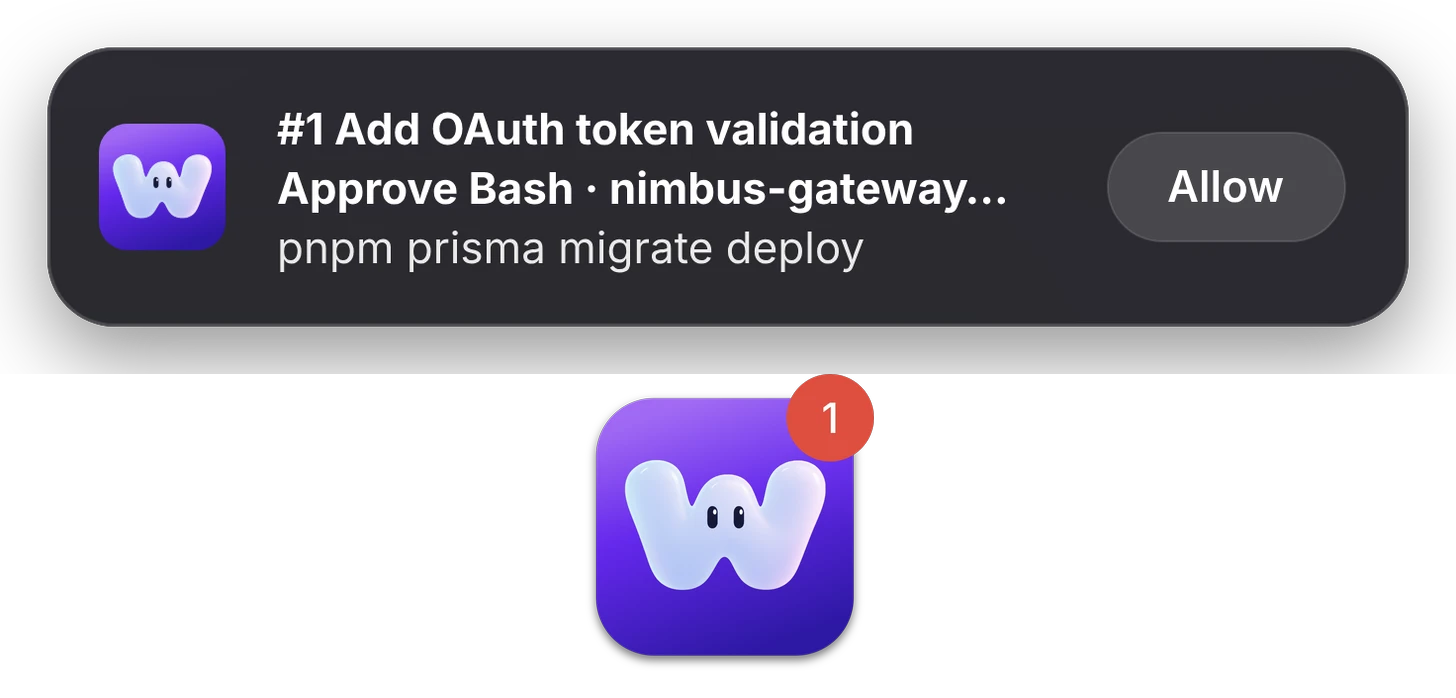
    Whos now lets you know when you’re not looking at it: when a session needs you, finishes a long task or hits an error. Click a notification to open the session, or allow a Claude command right from it. You can turn them off in System Settings.
Improvements

  • When nothing’s running, Live now shows how to start a session and your most recent ones.
  • If every hook is off, Whos now tells you why your sessions aren’t showing and takes you to Settings to turn one on.
  • When Claude asks you a question, its card now shows the question.

Bug fixes

  • The session panel now slides in and out and, in a wide window, reaches the top.
Whos 1.1.0

October 28, 2026

New features

  • See what each session is doing

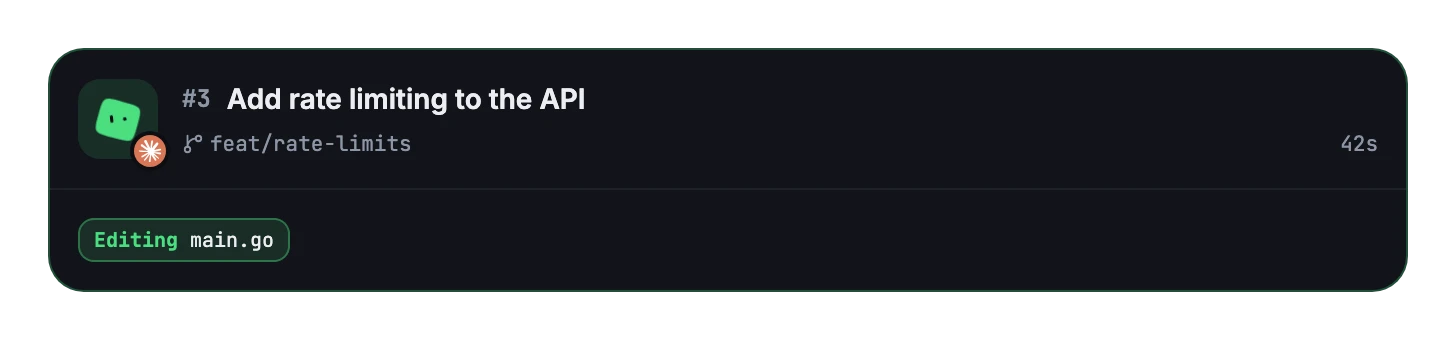
    Working sessions now show what they’re doing in real time.

  • Approve right from the card

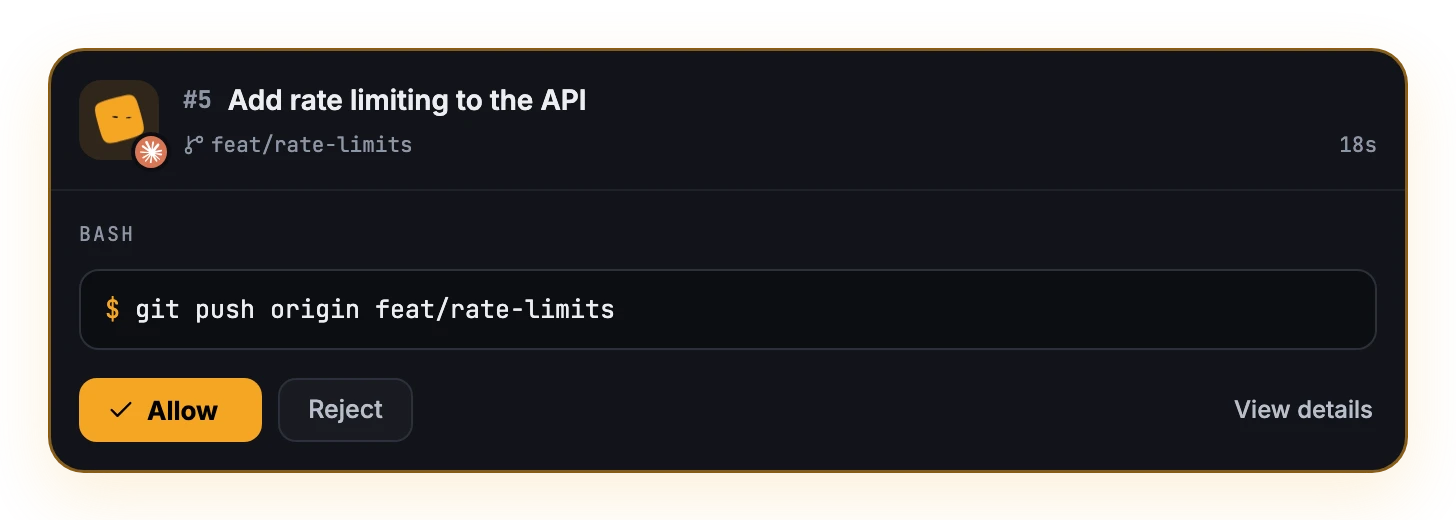
    When Claude asks to run a command, its card shows it with Allow and Reject. When it asks you a question, you can answer from the card too. View details opens the conversation.

  • See why a session stopped

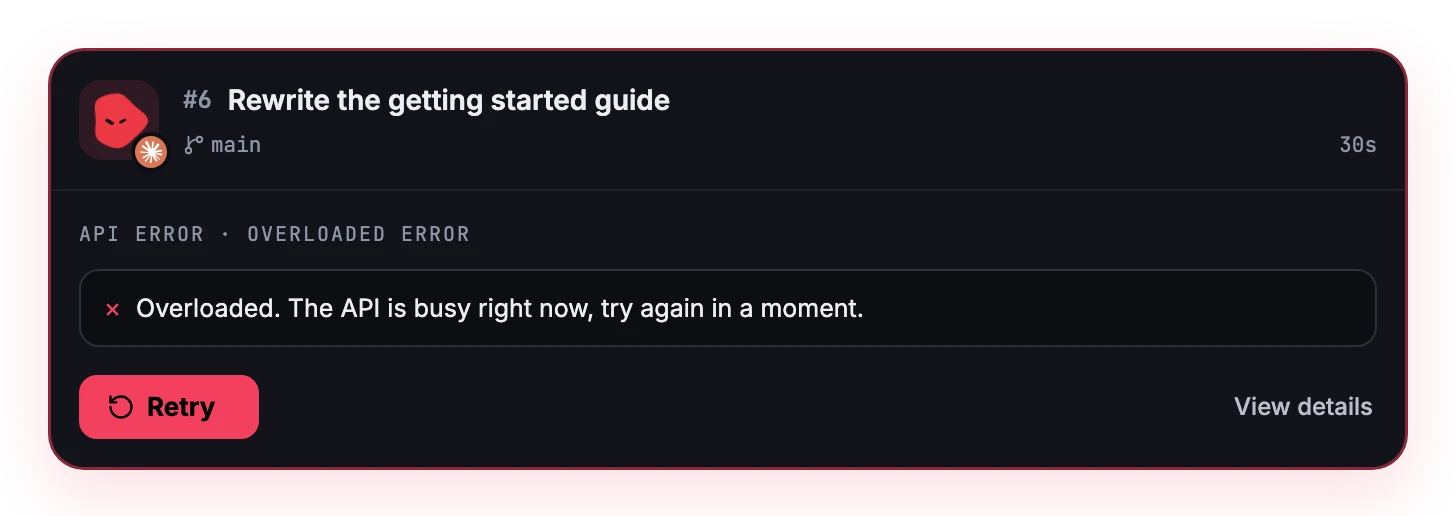
    When Claude or Codex hits an API error, its card shows what failed, with Retry, or a hint to log in again when that’s what it needs.

  • Every state of a project at a glance

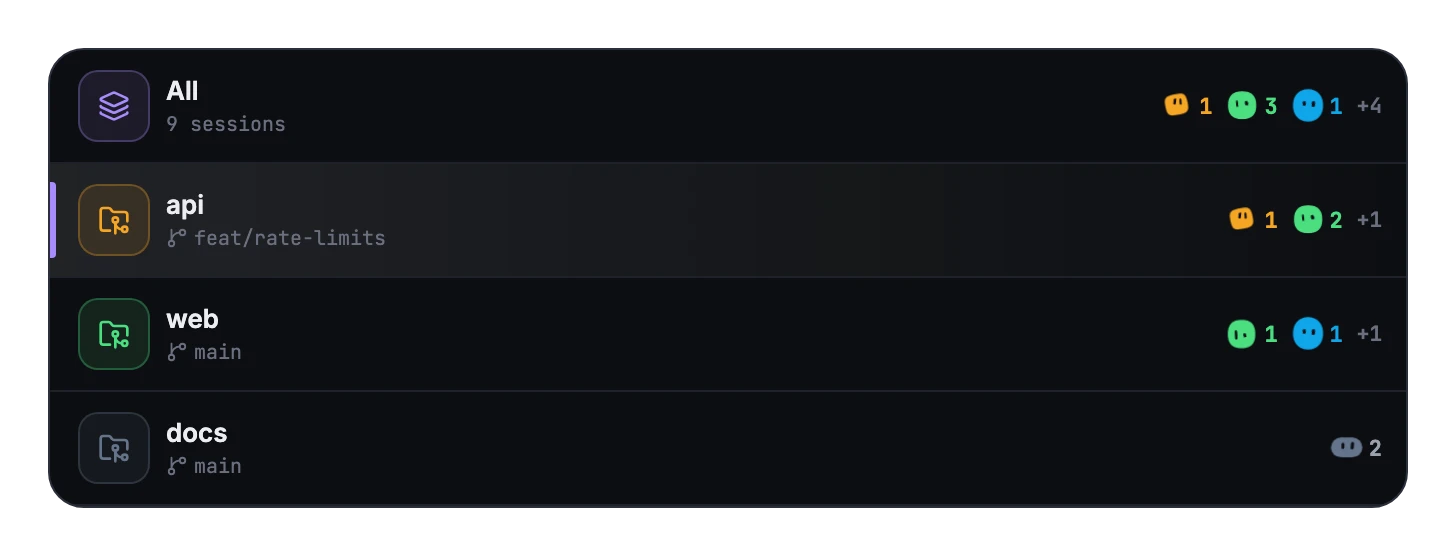
    A project in the sidebar used to show a single blob, its most urgent session’s, as if all its sessions were in that state. Now it shows a blob and a count for each state, most urgent first, so you see at once what needs you and what’s still working.

  • Resize the sidebar

    Drag its edge to make it wider or narrower.

  • Read cut-off text in full

    Hover over a title or a command that doesn’t fit and it shows in full.

Bug fixes

  • Inside a project, cards no longer repeat its name: they show it only in All sessions.
  • The breakdown no longer lists states with no sessions.
  • A project’s ⋯ no longer appears on hover: right-click the project for its options.
  • The ⌘1 and ⌘2 shortcuts in the view switch are easier to read.